In A Unified Zotero Experience, we explained the changes introduced in Zotero 5.0 that affect Zotero for Firefox users. See that post for a full explanation of the change, and read on for some additional answers.
What’s changing?
Zotero 5.0 is available only as a standalone program, and Zotero 4.0 for Firefox is being replaced by a Zotero Connector for Firefox that allows you to save to Zotero as you browse the web, similar to the Chrome and Safari extensions that have been available for years for use with Zotero Standalone.
Why is this happening?
Mozilla is discontinuing the powerful extension framework on which Zotero for Firefox is based in favor of a new, more limited extension framework, and it’s no longer technically possible to create a tool like Zotero for Firefox within the browser.
Will you change your minds?
See above.
Won’t this ruin everything that’s great about Zotero?
We don’t think so. Zotero has been available as standalone version since 2011, and many people have preferred it over the Firefox version — and we’re now able to focus on making it better for everyone, without making compromises to fit everything into a tiny pane or spending time keeping up with constant Firefox changes. The Zotero Connector still provides powerful browser integration and an unmatched ability to save as you browse the web.
In recent months, we’ve made numerous improvements to the Zotero Connector to bring it in line with Zotero for Firefox’s browsing-related features, and the Connector already offers some functionality that Zotero for Firefox never did, with more on the way. Since the Connector works in Firefox, Chrome, and Safari, you can use Zotero with whichever browser you prefer, or even multiple browsers at the same time.
OK, if I’m running Zotero for Firefox, what do I have to do?
First, install the Zotero Connector for Firefox from the download page, which will replace Zotero 4.0 for Firefox. Next, from the same page, install Zotero 5.0 for Mac, Windows, or Linux.
You can also install the Zotero Connector in any other browsers that you use.
If I already have the Zotero Connector for Firefox, what do I have to do?
Make sure you’ve also installed Zotero 5.0 from the download page, and leave it open while you browse the web so you can save directly to it.
If I’m running Zotero Standalone 4.0, what do I have to do?
You can upgrade to Zotero 5.0 via Help -> Check for Updates from within Zotero, or you can reinstall Zotero from the download page.
If you’re also running Zotero 4.0 for Firefox, you should first install the Zotero Connector from the download page and restart Firefox.
If you’re using the Zotero Connector for Chrome, you don’t have to do anything else.
If you’re using the Zotero Connector for Safari, check for updates from the Extensions pane — you should have 5.0.23 or later. You can reinstall the Connector from the download page if you have an older version and an update isn’t showing up.
Will I lose my data?
No. Zotero 5.0 will automatically detect and upgrade your existing data. If your Zotero data directory is located within your Firefox or Zotero profile directory, it will be automatically moved to a “Zotero” directory in your home directory, where it won’t be affected by refreshing or uninstalling Firefox.
Where did the Z button in the Firefox toolbar go? How can I open Zotero without it?
Instead of clicking a Z button in the Firefox toolbar, you now switch to Zotero as you would any other program. (See Switching Between Programs for tips on doing this efficiently. Short version: Use the dock/taskbar/launcher or Cmd-Tab/Alt-Tab. Don’t waste time minimizing or moving windows to access what’s behind.)
You can also arrange your windows so that Zotero is visible while you’re browsing.
What about the “Save to Zotero” button?
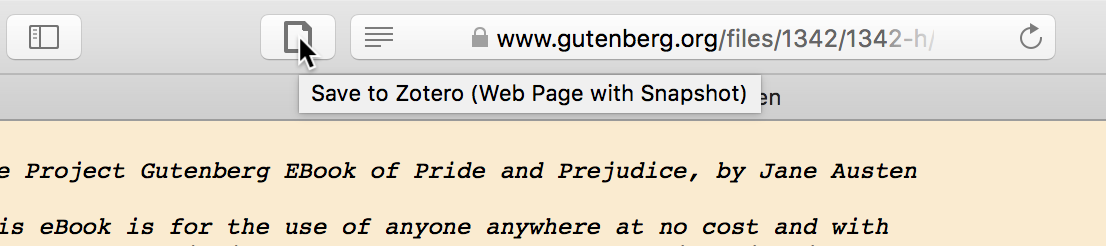
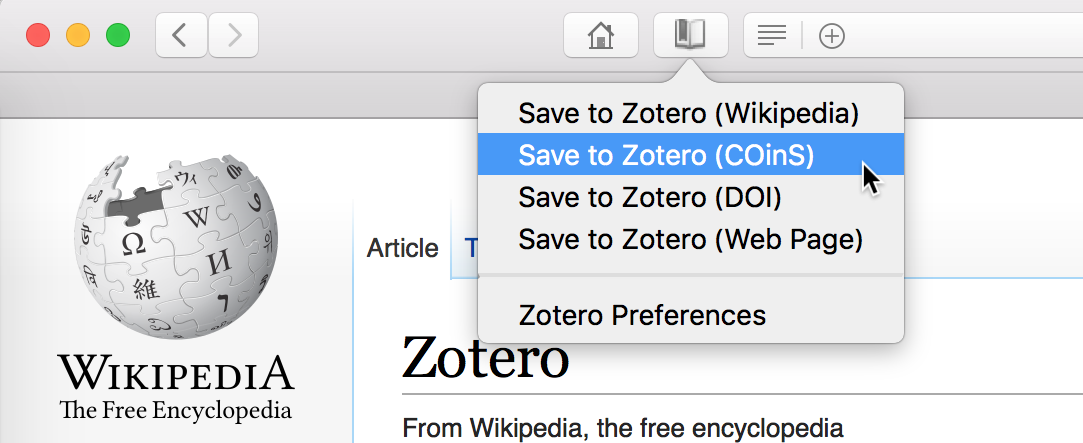
The button still exists in the browser toolbar, and, as before, it will show you an icon representing the data Zotero detected on the page: webpage, journal article, newspaper article, etc.
If you don’t see the icon, check your browser’s extensions pane to make sure you have the Zotero Connector installed. In some cases, the button may appear in the overflow panel accessible from the right edge of the toolbar.
How can I choose what collection to save to?
Just as in Zotero for Firefox, select the desired target collection in Zotero before clicking the save button. See Switching Between Programs for tips on accessing Zotero quickly.
An upcoming Zotero Connector version will provide the ability to choose the target collection from within the browser itself. [Update: This is now available.]
Are there any features that are no longer available?
While we’ve worked to make all browsing-related functionality available via the Zotero Connector, a few features either haven’t yet been migrated over or aren’t possible in the new Firefox extension framework.
Planned, but not yet available:
- “Attach Snapshot of Current Page” (snapshots are still available when saving new items)
- “Create Zotero Item and Note from Selection”/“Add Selection to Zotero Note”
- “Save Link As Zotero Item”
No longer possible:
-
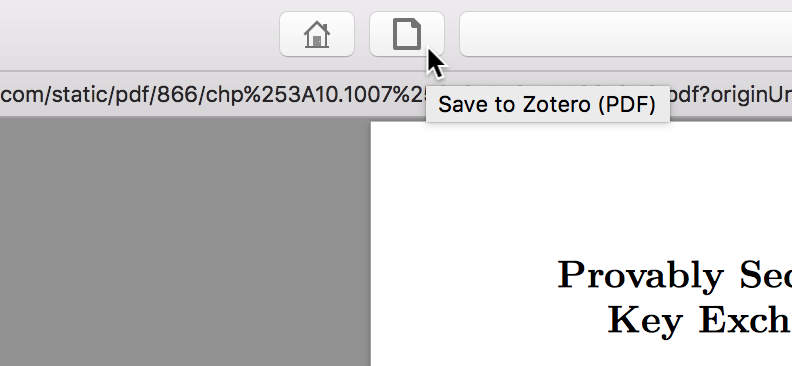
“Save to Zotero” option in the Firefox open/save dialog — workarounds: find the article page instead and use the “Save to Zotero” button to download the metadata and PDF automatically (recommended whenever possible); preview the PDF in Firefox and click the “Save to Zotero” button; drag the PDF link to Zotero; save the PDF to disk and drag into Zotero; add Zotero as PDF handler in Firefox and choose it from the open/save dialog (not currently possible, but planned)
What if I can’t install separate programs like Zotero at my institution?
Zotero can be installed without administrative privileges on most systems. You can also ask your IT department to install it for you.
It’s worth noting that the Firefox extension framework used by Zotero for Firefox for many years granted equivalent system access, so from a security standpoint there’s no difference between the previous Firefox extension and the standalone program. If anything, the standalone program is more secure, as the Zotero Connector code running within your browser is limited by Mozilla’s new WebExtension framework.
If you really can’t install separate programs, you can still use the Zotero Connector in your browser and save directly to your online library, but you’ll need to rely on the more limited web interface for managing your data. (Improvements to the web library are planned, but the desktop client will remain the recommended way of interacting with your Zotero data.)
What if I used multiple Firefox profiles to keep my Zotero data separate?
Zotero 5.0 supports the same profile system as Firefox. See Multiple Profiles for more info.
What if I’m using Zotero plugins that haven’t yet been updated for Zotero 5.0?
Most plugins have been updated, at least in beta form, so first check with the plugin author.
If a plugin you rely on hasn’t been updated, you can use the Zotero Connector for Firefox with Zotero Standalone 4.0, which is still available from the download page, for a while longer. Install the plugin from the Tools -> Add-ons -> Extensions pane in Zotero. Some Connector features may not work properly with Zotero 4.0, but you should still be able to save items to Zotero from the Connector.
How much longer can I use Zotero 4.0 for Firefox?
Zotero 4.0 for Firefox will cease to work in Firefox 57, which will be released on November 14, 2017, and existing Zotero for Firefox users will be upgraded to the Zotero Connector shortly before then. If you need to use Zotero 4.0 for Firefox for longer, you should switch to the Firefox 52 Extended Support Release, which will be supported by Mozilla until June 2018, and disable updates for the Zotero extension by clicking “More…” next to Zotero in the Firefox Add-ons pane. (Remember to re-enable updates when you later switch to the Zotero Connector.) If you’re already running the Zotero Connector, you can reinstall Zotero 4.0 for Firefox from the download page. Note that Zotero 4.0 syncing will cease to work in early 2018.
To benefit from the many improvements in Zotero 5.0, and to obtain support in the Zotero Forums, we recommend upgrading as soon as possible.